
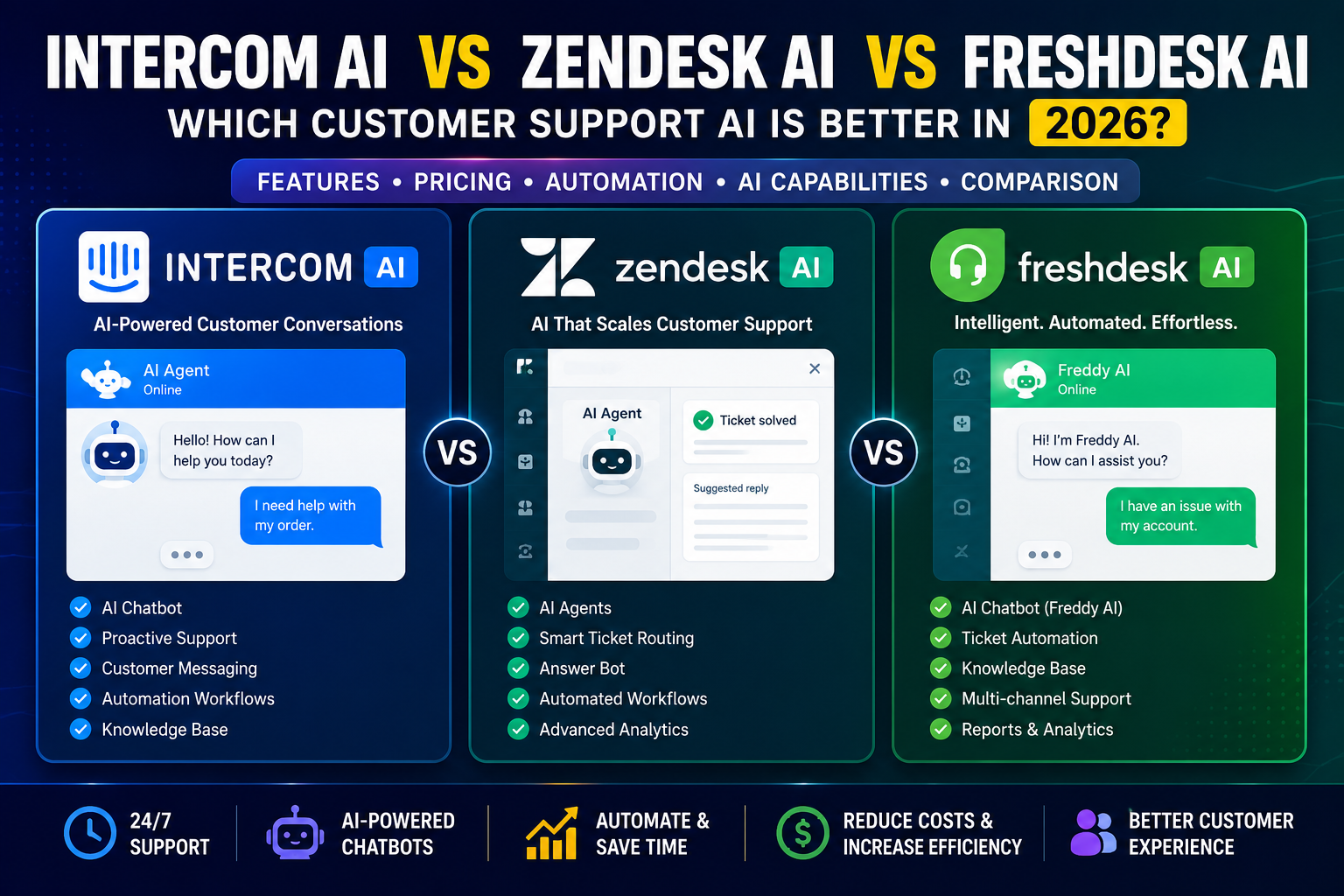
If you’ve spent any time researching customer service software lately, you’ve probably landed on the same three names over and over: Intercom, Zendesk, and Freshdesk. And if you’re trying to figure out Intercom AI vs Zendesk AI vs Freshdesk AI, you’re not alone — this is one of the most searched comparisons among support teams right now, and for good reason.
AI-powered customer support has gone from a “nice to have” to something most growing businesses simply expect. Customers want instant answers at 2 a.m. Support teams are tired of answering the same five questions a hundred times a day. And founders want to keep support costs predictable while still keeping customers happy. Traditional help desks built around human-only ticket queues just don’t cut it anymore.
That’s why so many businesses are replacing (or upgrading) their old support systems with AI-first platforms. But here’s the thing nobody tells you upfront: these three tools are not interchangeable. They’re built on different philosophies, priced in very different ways, and suited to different kinds of teams. Picking the wrong one can mean overpaying for features you’ll never use — or worse, locking yourself into a platform that can’t scale with you.
In this guide, we’ll walk through what each platform actually does, how their AI stacks up in real use, what they cost (including the parts vendors don’t put front and center), and which one makes the most sense depending on your business size and goals. No fluff, no sales pitch — just a practical breakdown.
What Are AI Customer Support Platforms?
Before diving into the comparison, let’s quickly cover what we’re actually talking about.
AI customer support software combines a traditional help desk (ticketing, shared inboxes, knowledge bases) with an AI layer that can understand and respond to customer questions on its own. Instead of every message landing in a queue for a human to answer, the AI tries to resolve it first — and only hands it off to a person when it gets stuck or the issue is too complex.
How AI chatbots actually work, in plain English:
Most of these tools train a large language model on your existing content — help center articles, past support tickets, product documentation — so it can answer questions using your business’s own knowledge, not generic internet information. When a customer asks something, the AI searches that knowledge, generates an answer, and either resolves the conversation or escalates it to a human agent with full context attached.
Why businesses are adopting this:
- Faster response times, especially outside business hours
- Lower cost per conversation compared to hiring more agents
- Agents spend time on complex issues instead of repetitive ones
- Support scales without support headcount growing at the same rate
The catch is that none of these benefits are automatic. The platform you choose, how you set it up, and how realistic your expectations are about resolution rates all matter a lot — which is exactly why this comparison is worth reading before you commit a budget.
Intercom AI vs Zendesk AI vs Freshdesk AI: Quick Comparison
| Platform | Best For | AI Features | Ease of Use | Automation | Pricing Level | Ideal User |
|---|---|---|---|---|---|---|
| Intercom AI (Fin) | Customer engagement + AI-first support | Fin AI Agent, Copilot, AI Insights | Moderate learning curve | Strong, outcome-based AI | Mid-to-high, usage scales with resolutions | SaaS & product-led businesses |
| Zendesk AI | Established teams needing structured support | AI Agents, Copilot, automated resolutions | Moderate, more enterprise-feeling | Strong, but AI is metered separately | Mid-to-high, add-ons stack up | Mid-market and enterprise support teams |
| Freshdesk AI (Freddy) | Simpler, budget-conscious support setups | Freddy AI Agent, Copilot, Insights | Easiest for beginners | Solid for ticket automation | Most affordable entry point | Small businesses and startups |
A quick note before we go further: pricing for all three platforms is genuinely complicated in 2026 because AI usage is billed separately from your base seats in every single one of them. We’ll unpack that in detail below so you’re not blindsided later.
Intercom AI Review
Overview
Intercom has positioned itself as an “AI-first customer service platform” built around its AI agent, called Fin. Rather than treating AI as a bolt-on chatbot, Intercom built its entire messenger, shared inbox, and help center experience around the idea that Fin handles the first line of support and humans step in when needed.
Key Features
- AI chatbot (Fin): Resolves customer questions using your help center content, past conversations, and connected knowledge sources across chat, email, and other channels.
- Customer messaging: A modern, branded messenger widget that feels more like a product feature than a support widget bolted onto your site.
- Automation: Workflow builders let you route conversations, trigger sequences, and hand off to Fin or a human based on rules you define.
- Knowledge base: A public help center that doubles as the training source for Fin.
- Customer engagement: Proactive messaging tools (banners, product tours, tooltips) that go beyond pure support into onboarding and retention.
Pros
- Genuinely strong AI resolution quality for teams with solid help center content
- Clean, modern interface that’s pleasant for both agents and customers
- Works well for SaaS companies that already think in terms of “customer engagement,” not just tickets
- 14-day free trial with unlimited Fin usage to test real performance
Cons
- Pricing is usage-based for AI, which makes monthly costs harder to predict as your support volume grows
- Channel add-ons (SMS, WhatsApp, phone) cost extra on top of everything else
- Can feel like overkill if you just need a basic help desk
Best For
Product-led SaaS companies and growing online businesses that want AI support tightly woven into the customer experience, not just a ticket system with a chatbot attached.
Pricing Overview
Intercom sells three seat-based plans — Essential, Advanced, and Expert — with seat prices generally landing in the high-$20s to low-$130s per agent/month depending on the tier and billing cycle. On top of that, the Fin AI Agent is billed separately at $0.99 per resolved outcome, with a minimum monthly commitment if you run Fin standalone alongside another helpdesk. There’s no flat “all-inclusive” AI price — the more conversations Fin resolves, the more your bill grows, so it’s worth modeling your expected ticket volume before committing. Startups may qualify for a steep discount through Intercom’s Early Stage program. Always check the current numbers directly on the official Intercom pricing page before budgeting, since usage-based pricing shifts over time.
Zendesk AI Review
Overview
Zendesk is the name most people associate with “customer support software,” and that reputation is well earned — it’s been a help desk standard for over a decade. Its AI agents (originally built on Forethought technology, which Zendesk acquired) bring autonomous resolution capabilities into a platform many support teams already know how to use.
Key Features
- AI agents: Automatically classify, route, and resolve tickets using a verification step that confirms whether a resolution actually satisfied the customer.
- Ticket automation: Mature rule-based and AI-driven automation for triage, prioritization, and assignment.
- Customer support workflows: Skills-based routing, IVR for phone support, and omnichannel handling across chat, email, voice, and social.
- Analytics: Detailed, enterprise-grade reporting dashboards — one of Zendesk’s long-standing strengths.
- Help desk features: Multi-brand support, sandboxes, approval workflows, and deep customization for complex support operations.
Pros
- Best-in-class reporting and analytics for teams that need to prove ROI to leadership
- Mature, battle-tested platform with a huge marketplace of integrations
- AI agents are genuinely capable for structured, repetitive ticket types
- Scales well for large, multi-team support organizations
Cons
- AI capability is layered on top of base plans through add-ons and per-resolution fees, which can meaningfully inflate the bill
- Steeper learning curve than Freshdesk, especially for smaller teams
- The platform can feel like more than a small business actually needs
Best For
Mid-market and enterprise companies running complex, high-volume support operations that need strong reporting, multi-channel routing, and the budget to support tiered AI add-ons.
Pricing Overview
Zendesk’s Suite plans start around $19/agent/month for the most basic tier and climb past $115/agent/month for Professional-level features, with Enterprise pricing typically quoted directly by sales. AI agent capability is increasingly bundled into Suite plans at a basic level, but advanced automated resolutions are billed separately, generally landing somewhere in the $1.00–$2.00 per resolution range depending on volume and contract terms. Copilot, quality assurance, and workforce management are additional per-agent add-ons. Because Zendesk doesn’t always publish exact AI pricing publicly, it’s worth requesting a detailed quote through the official Zendesk website before signing anything.
Freshdesk AI Review
Overview
Freshdesk, by Freshworks, has built its reputation on being approachable — a help desk that smaller teams can set up quickly without a dedicated IT person. Its AI suite, branded Freddy AI, brings automation and AI-assisted replies into that same easy-to-use environment.
Key Features
- AI-powered support: Freddy AI Agent handles repetitive email and chat questions using your existing knowledge base.
- Ticket management: Clean, intuitive ticket views with automatic classification and prioritization.
- Automation: Scenario automations and workflow rules that don’t require technical setup to get value from.
- Customer communication: Omnichannel options through Freshdesk Omni, covering chat, email, and messaging channels in one workspace.
- Freddy AI Copilot: An agent-assist add-on that suggests replies, summarizes tickets, and helps agents respond faster.
Pros
- The easiest of the three platforms for beginners and non-technical teams to set up
- Lower entry-level pricing than Intercom or Zendesk
- A genuinely usable free plan for very small teams just starting out
- Solid documentation and onboarding resources
Cons
- Freddy AI Agent uses a session-based pricing model that can be confusing to forecast compared to straightforward “per resolution” pricing
- AI Copilot is locked behind the Pro and Enterprise tiers, not available on entry plans
- AI capabilities, while improving, generally trail Intercom and Zendesk in handling more complex, multi-step conversations
Best For
Small businesses, startups, and lean support teams that want a working AI-assisted help desk without a steep learning curve or enterprise-level price tag.
Pricing Overview
Freshdesk’s core plans run roughly from a free tier for very small teams up to around $89/agent/month on the higher end, with Freshdesk Omni priced somewhat higher for omnichannel coverage. Freddy AI Agent is billed on a session basis rather than per resolution, with a set number of included sessions on paid plans and additional session packs purchasable afterward. Freddy AI Copilot is a separate per-agent add-on available only on Pro and Enterprise plans. As with the other two platforms, check the official Freshdesk pricing page for current numbers, since session pricing has changed more than once recently.
AI Chatbot Performance Comparison
When you strip away the marketing language, the real question is: does the AI actually resolve customer questions well, or does it just look good in a demo?
Response quality: Intercom’s Fin generally produces the most natural, context-aware responses among the three, particularly when it’s trained on a well-maintained help center. Zendesk’s AI agents are strong on structured, rule-based resolutions and benefit from years of ticket-routing intelligence baked into the platform. Freshdesk’s Freddy AI is capable for common, repetitive questions but tends to need more hand-holding for anything outside a narrow set of scenarios.
Automation: All three can auto-tag, auto-route, and auto-respond. Zendesk’s automation logic is the most mature for complex, multi-step workflows. Intercom’s automation feels more flexible for product-led businesses. Freshdesk’s automation is simpler — which is a strength for beginners and a limitation for advanced use cases.
Customer experience: Intercom’s messenger widget tends to feel the most “native” to a modern website. Zendesk’s experience is dependable but can feel more utilitarian. Freshdesk sits comfortably in the middle — clean, functional, not flashy.
Ease of Use Comparison
If your team has never set up a help desk before, Freshdesk is the easiest starting point. The interface is intuitive, setup doesn’t require deep technical knowledge, and the learning curve is gentle.
Intercom is moderately easy but has more moving parts — between the messenger, AI workflows, and proactive messaging tools, there’s a real onboarding period before a team feels fully comfortable.
Zendesk, especially at the Suite Professional level and above, has the steepest learning curve of the three. It’s powerful, but that power comes with more configuration decisions, more settings, and more of a “this needs a dedicated admin” feel.
Pricing Comparison
This is where things get genuinely tricky, because all three platforms now separate base seat pricing from AI usage pricing — and that second number is rarely as simple as it looks on the pricing page.
For small businesses: Freshdesk offers the most accessible entry point, with a usable free tier and lower-cost paid plans. If your support volume is modest, this matters a lot.
For growing SaaS companies: Intercom’s seat pricing is competitive, but Fin’s $0.99-per-resolution model means costs scale directly with how much AI usage you actually get — which can be a feature or a budgeting headache depending on your volume.
For enterprise teams: Zendesk’s pricing reflects its enterprise positioning. Base plans aren’t the most expensive, but once you stack AI add-ons, Copilot, quality assurance, and workforce management together, the total cost climbs quickly. This level of investment generally only makes sense once you have the support volume and budget to justify it.
The honest takeaway: don’t shop by headline seat price alone. Use each vendor’s calculator or free trial to estimate your actual monthly cost based on real ticket volume before deciding.
Automation Features Comparison
Workflow automation: Zendesk leads here for complex, branching logic across large teams. Intercom is close behind, with automation that’s more oriented toward customer engagement journeys rather than pure ticket routing. Freshdesk covers the basics well but isn’t built for highly intricate workflows.
Ticket handling: All three support auto-tagging, prioritization, and assignment rules. Zendesk’s ticket handling benefits from the most mature reporting layer, which helps teams see exactly where automation is and isn’t working.
Customer communication: Intercom’s proactive messaging (banners, tours, in-app messages) goes beyond reactive support, which is a meaningful differentiator if you want AI to also support onboarding and retention, not just troubleshooting.
Which One Is Best for Small Businesses?
This is the question most readers actually came here for, so let’s be direct:
- Best affordable option: Freshdesk. Its free and entry-level plans give small teams a working AI-assisted help desk without a big upfront commitment.
- Best beginner option: Freshdesk, again — the interface and setup process are the least intimidating of the three.
- Best advanced option: Intercom, if your business is product-led and you want AI woven into the full customer journey rather than just ticket resolution. If you’re a larger team with complex routing needs and the budget to match, Zendesk is the advanced pick for pure support operations at scale.
If you’re still exploring your options at a broader level, it’s worth browsing [Internal link: Best AI Tools for Customer Service] and [Internal link: Best AI Chatbots for Customer Service in 2026] for additional platforms beyond these three.
Intercom AI vs Zendesk AI vs Freshdesk AI: Final Verdict
So, where does the Intercom AI vs Zendesk AI vs Freshdesk AI comparison actually land?
There’s no single universal winner here, and that’s not a cop-out — it’s the honest conclusion after looking at how differently these three platforms are built.
- Intercom may suit businesses focused on customer engagement and product-led growth, where support is just one part of a broader customer relationship strategy.
- Zendesk may suit companies needing advanced support systems, deep reporting, and the infrastructure to handle high ticket volume across multiple teams.
- Freshdesk may suit businesses wanting simpler, more affordable solutions that don’t require a dedicated admin to manage.
The right choice depends less on which platform has the “best” AI in isolation, and more on which one matches your team’s size, technical comfort, budget structure, and growth trajectory. Most platforms offer free trials — use them. Run real customer conversations through each one before committing a contract.
Common Mistakes When Choosing AI Customer Support Software
A few patterns show up again and again when businesses pick the wrong platform:
- Choosing only based on price. The cheapest seat price often hides usage-based AI costs that surface later.
- Ignoring integrations. If your support tool doesn’t connect cleanly with your CRM, billing system, or product analytics, your agents end up tab-switching constantly.
- Automating everything without human support. Customers still want a human option for sensitive or complex issues — over-automating erodes trust fast.
- Not considering customer needs. A platform built for enterprise voice support is overkill for a business that only gets email tickets, and vice versa.
Future of AI Customer Service
Looking ahead, a few trends are shaping where AI customer support is headed:
AI automation trends: Expect resolution rates to keep climbing as models get better at understanding nuanced, multi-turn conversations — not just simple FAQ-style questions.
Personalized support: AI agents are increasingly pulling in customer history, purchase data, and behavioral context to tailor responses, rather than giving generic answers to everyone.
Business impact: As AI handles more first-line support, human agents are shifting toward complex problem-solving, retention conversations, and relationship-building — work that’s harder to automate and arguably more valuable.
For a deeper look at how AI is reshaping work broadly, it’s worth reading up on [Internal link: AI vs Human Content Creation], which covers similar themes from a different angle.
FAQ Section
1. What is the difference between Intercom AI and Zendesk AI? Intercom’s Fin focuses on conversational, engagement-driven AI support with usage-based pricing per resolution. Zendesk’s AI agents are built into a more traditional, enterprise-grade help desk with stronger reporting and structured automation.
2. Which is better, Intercom or Zendesk? It depends on your business. Intercom tends to fit product-led SaaS companies better, while Zendesk fits larger teams needing robust reporting and complex routing.
3. Is Freshdesk good for small businesses? Yes. Freshdesk’s pricing and ease of use make it one of the most accessible AI-powered help desks for small teams and startups.
4. Can AI replace customer service agents? No, not entirely. AI is excellent at handling repetitive, common questions, but complex, sensitive, or emotional issues still benefit significantly from human agents.
5. What is the best AI customer support software in 2026? There isn’t a single “best” — it depends on team size, budget, and support complexity. Freshdesk suits small teams, Intercom suits engagement-focused SaaS businesses, and Zendesk suits larger, complex support operations.
6. How much does Intercom’s Fin AI cost? Fin is billed at $0.99 per resolved outcome, on top of seat-based pricing for the Intercom platform itself.
7. Does Zendesk charge extra for AI features? Often, yes. Basic AI capability is increasingly bundled into Suite plans, but advanced automated resolutions and Copilot are typically billed as separate add-ons.
8. What is Freddy AI on Freshdesk? Freddy AI is Freshdesk’s AI suite, including an AI agent for resolving tickets, a Copilot for agent assistance, and Insights for analytics.
9. Do these platforms offer free trials? Yes, all three offer free trials or free tiers, which is the best way to test real-world AI performance before committing financially.
10. Which platform is easiest to set up for beginners? Freshdesk is generally considered the easiest to set up and learn, especially for teams without dedicated technical staff.
Choosing between Intercom AI vs Zendesk AI vs Freshdesk AI isn’t about finding the objectively “best” tool — it’s about matching the platform to your team’s size, budget, and support complexity. Take advantage of free trials, model your real usage against each pricing structure, and you’ll make a far more confident decision than chasing whichever tool ranks highest in someone else’s listicle.
For more comparisons like this, check out [Internal link: Best AI Tools for Small Business Owners] and [Internal link: Best AI Tools for Affiliate Marketing] here on EveryTechHub.com.
Sources: Intercom, Zendesk, Freshdesk, Google Search Central
About the Author
Hi, We are the founders of EveryTechHub. We share beginner-friendly guides on AI tools, blogging, and technology based on hands-on testing and real experience. Read more about us.